Aleppo Shriners · Uniformed Units
Parade Buddy
The Shrine in the palm of your hand.
The schedule, the line-up, the bus, attendance, and fair pay for every unit — one app, built for us, easy enough to use with one thumb at the assembly point.
- Price
- Free for UU members
- Install
- Nothing to install — opens in your phone's browser
- Works on
- iPhone, Android & computer
See it on your phone
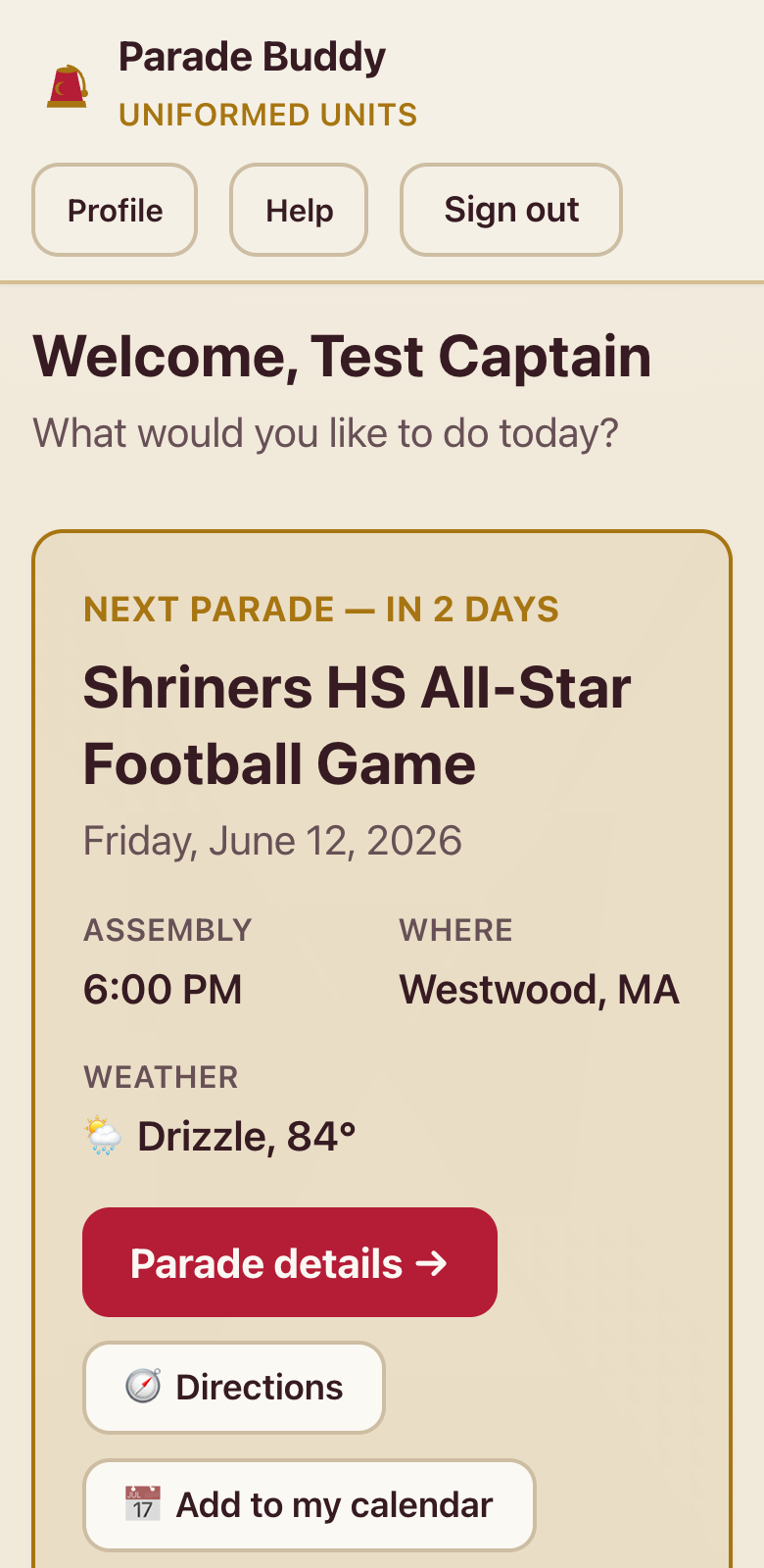
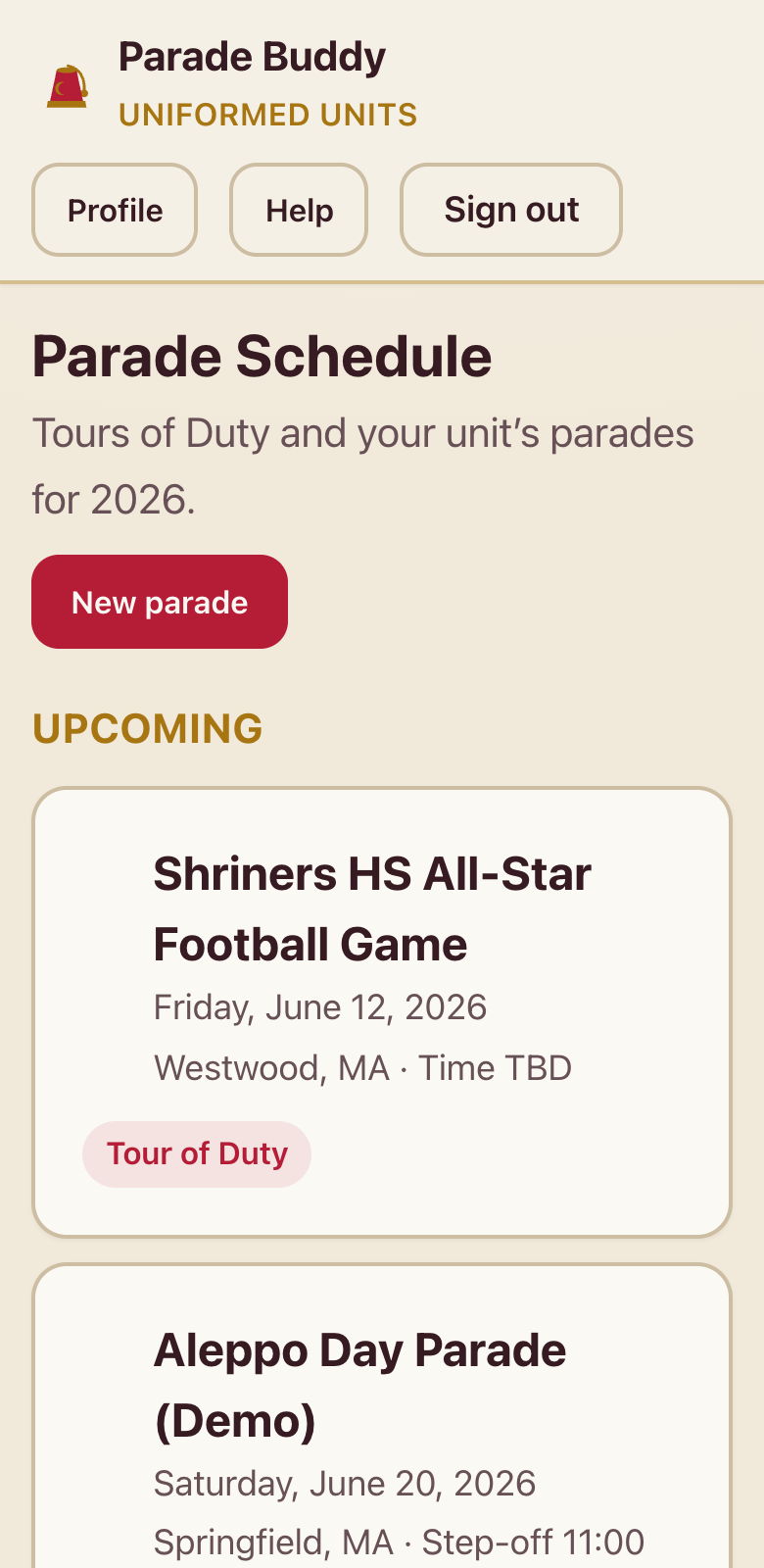
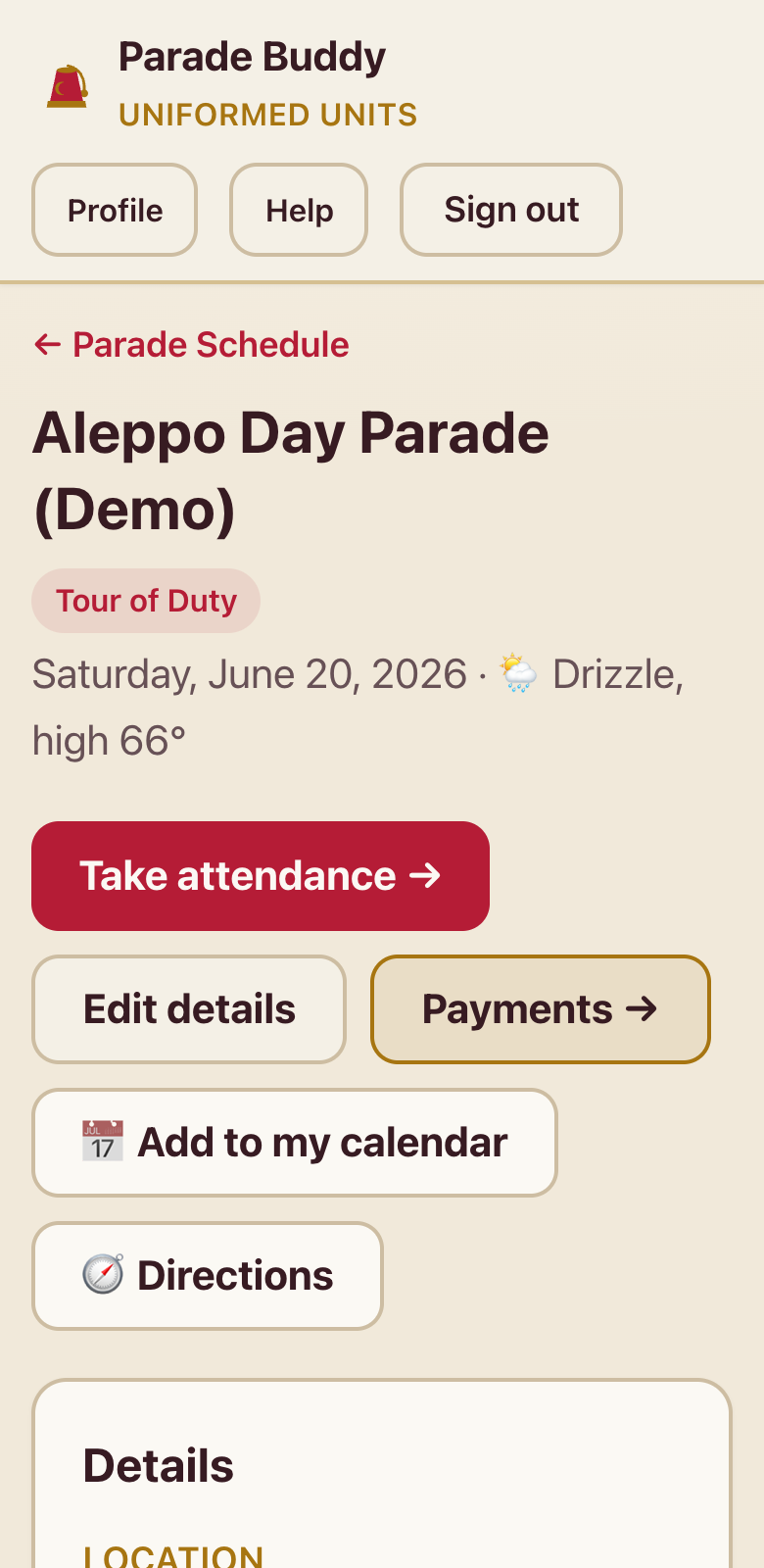
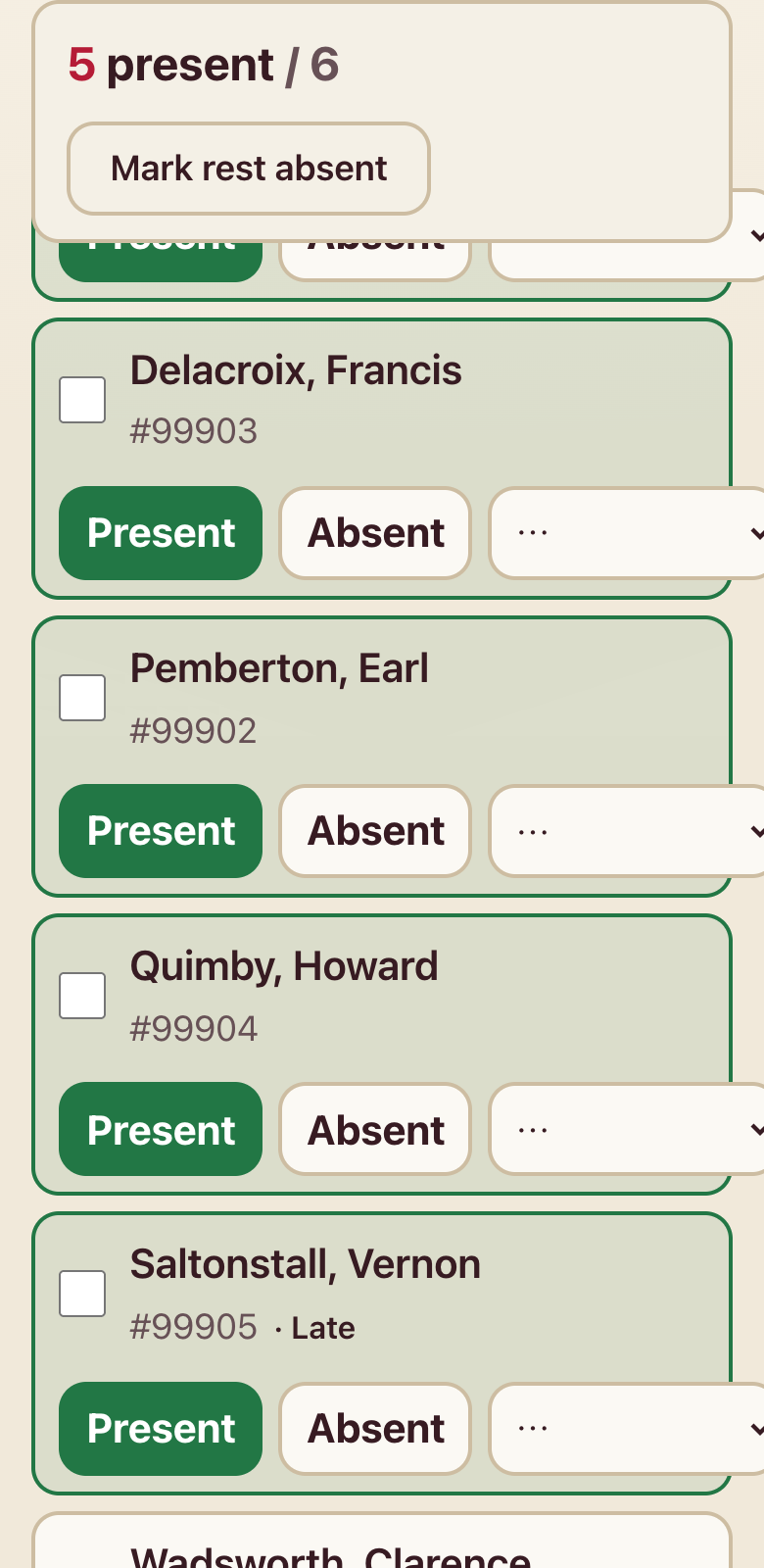
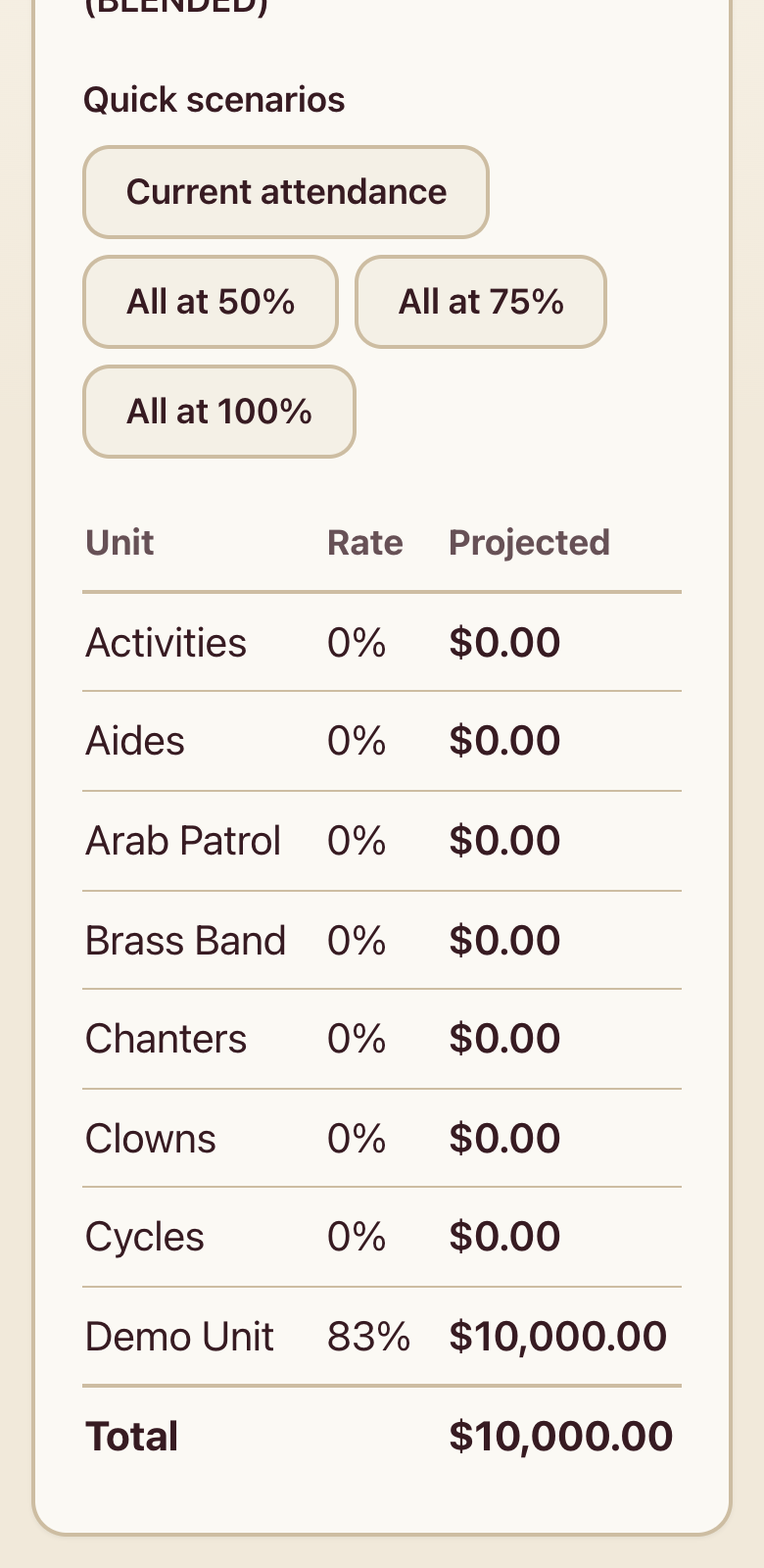
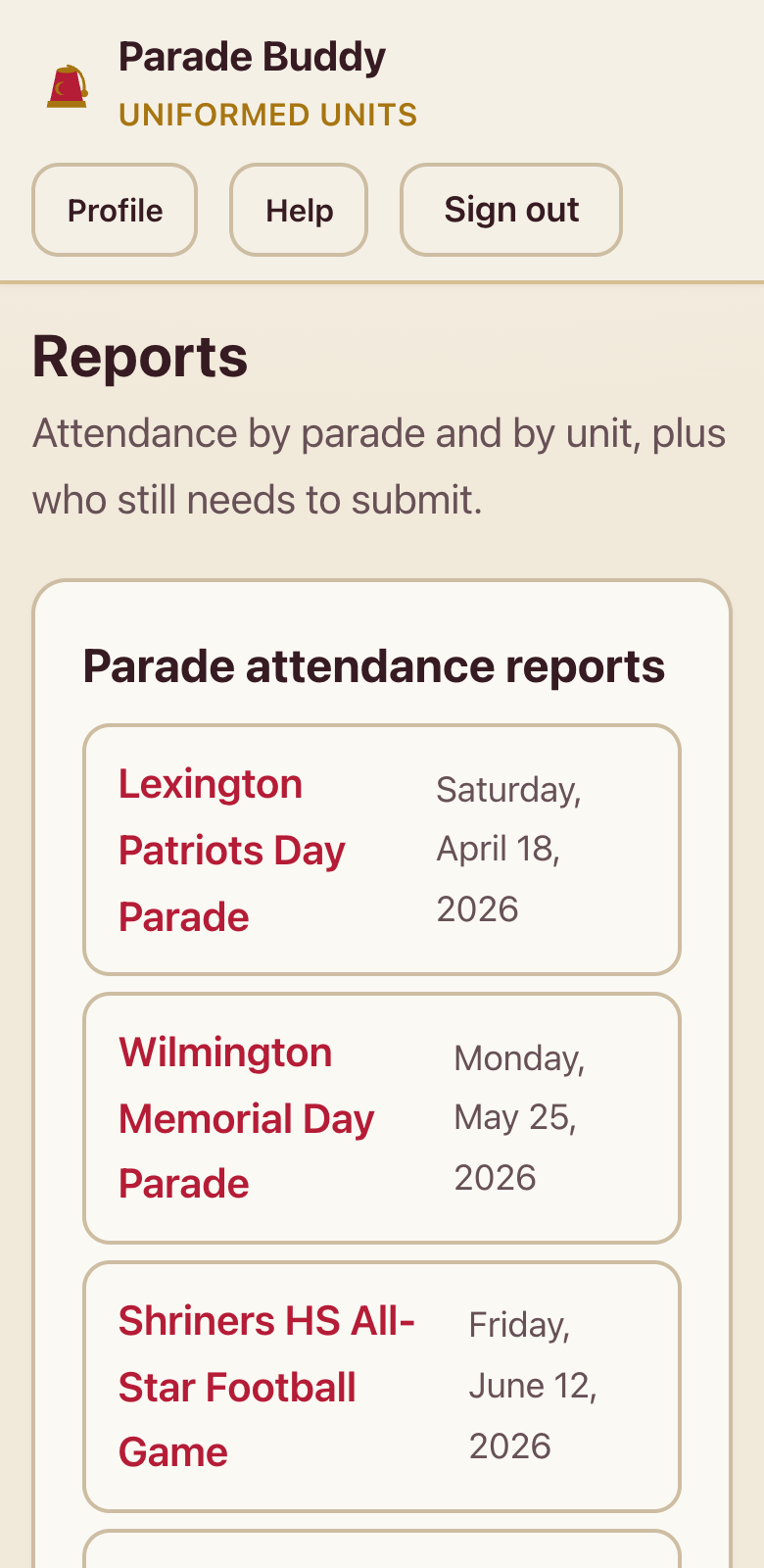
Real screens from the live app (with demo names). Swipe through.
Don’t take our word for it — try it
These two demos work right here on this page. No account needed.
Try it: take attendance
This is a working copy of the real check-in screen, with made-up names. Tap the buttons — watch the count and your unit’s payout change as you go.
0 present / 5
- Brigham, Walter
- Pemberton, Earl
- Delacroix, Francis
- Quimby, Howard
- Wadsworth, Clarence
The real app splits every parade’s pool with the same agreed rules, every time — no spreadsheets, no arguments. Marchers in, money right.
Try it: set the line-up
Staff put units in marching order with two big buttons, then publish it so every captain sees exactly where they step off.
- 1Potentate & Divan
- 2Brass Band
- 3Your Unit★ you
- 4Clowns
Everything it does
✓ Parade schedule
All eight 2026 Tours of Duty plus private parades, with times, addresses, and route maps.
✓ Published line-up
Staff set the marching order; every captain sees exactly where their unit steps off.
✓ Bus signup
Riding the bus? One tap. Staff see the headcount before parade day.
✓ One-tap attendance
Captains check their unit in from the curb — big buttons, works one-handed.
✓ Fair payment engine
Each parade's pool splits by the rules everyone agreed to, applied the same way every time.
✓ Pay forecast
Captains see what a strong turnout is worth to their unit before the parade.
✓ Reports & treasurer CSV
Attendance and payout reports for the Divan and the treasurer, one tap to export.
✓ Email broadcast
Staff reach every member, every captain, or one unit — without chasing phone numbers.
✓ Roster tools
The full 371-member roster imported from Excel; captains keep their own unit current.
✓ Safe & accountable
Role-based access and a full audit trail — every change is recorded, nothing is anonymous.
How you’ll use it
Every member
- Tap Create my account on this page — it takes under a minute.
- Check the schedule before each parade: step-off time, where to assemble, the route map.
- Riding the bus? Sign up with one tap.
- See your own attendance history and keep your contact info current on your Profile.
Unit Captains
- Keep your unit’s roster current — add members and their emails right from your phone.
- On parade day, open the parade, tap Take attendance, check everyone in, and Submit.
- Check the published line-up so your unit is in the right spot.
- Tap Pay forecast to show the unit what a strong turnout is worth.
Staff & admins
- Create parades with times, addresses, and route maps; invite units to private parades.
- Build and publish the line-up order.
- Watch attendance roll in live, then finalize payments — the engine does the math.
- Export the treasurer CSV, send email broadcasts, and review the audit log.
Common questions
What does it cost?
Nothing. Parade Buddy was built by and for the Aleppo Uniformed Units.
Do I have to install anything from an app store?
No. It runs in the browser you already have. For an app-like icon, open it and choose “Add to Home Screen” (iPhone: Share button → Add to Home Screen; Android: menu → Add to Home screen).
How do I get an account?
Tap “Create my account” on this page, type your name and email (your member number helps too), and choose a password. You're matched to the roster automatically. If sign-up is closed, ask your unit captain for an invite.
What if I forget my password?
Tap “Forgot your password?” on the sign-in page, or ask an administrator to send you a reset link.
Is my information safe?
Yes. Only members with accounts can see anything, what you can do depends on your role, and every change is recorded in an audit log.
Will this replace the group chat?
No — the chat is still the chat. Parade Buddy replaces the paper rosters, clipboard attendance, and payout spreadsheets.
Ready to march with us?
Ask your unit captain or an administrator for an invite — then creating your account takes less than a minute. Already have one?
Questions? Ask your unit captain.